
Your calendar fills itself, without interrupting you
Your customers book around the clock from your website, confirmations and reminders go out on their own, and you run your schedule by talking to Gillia — without dropping what you're doing.

One sentence and your schedule runs itself
No software to learn : you talk to Gillia the way you normally would, and the calendar keeps up — whatever your trade.
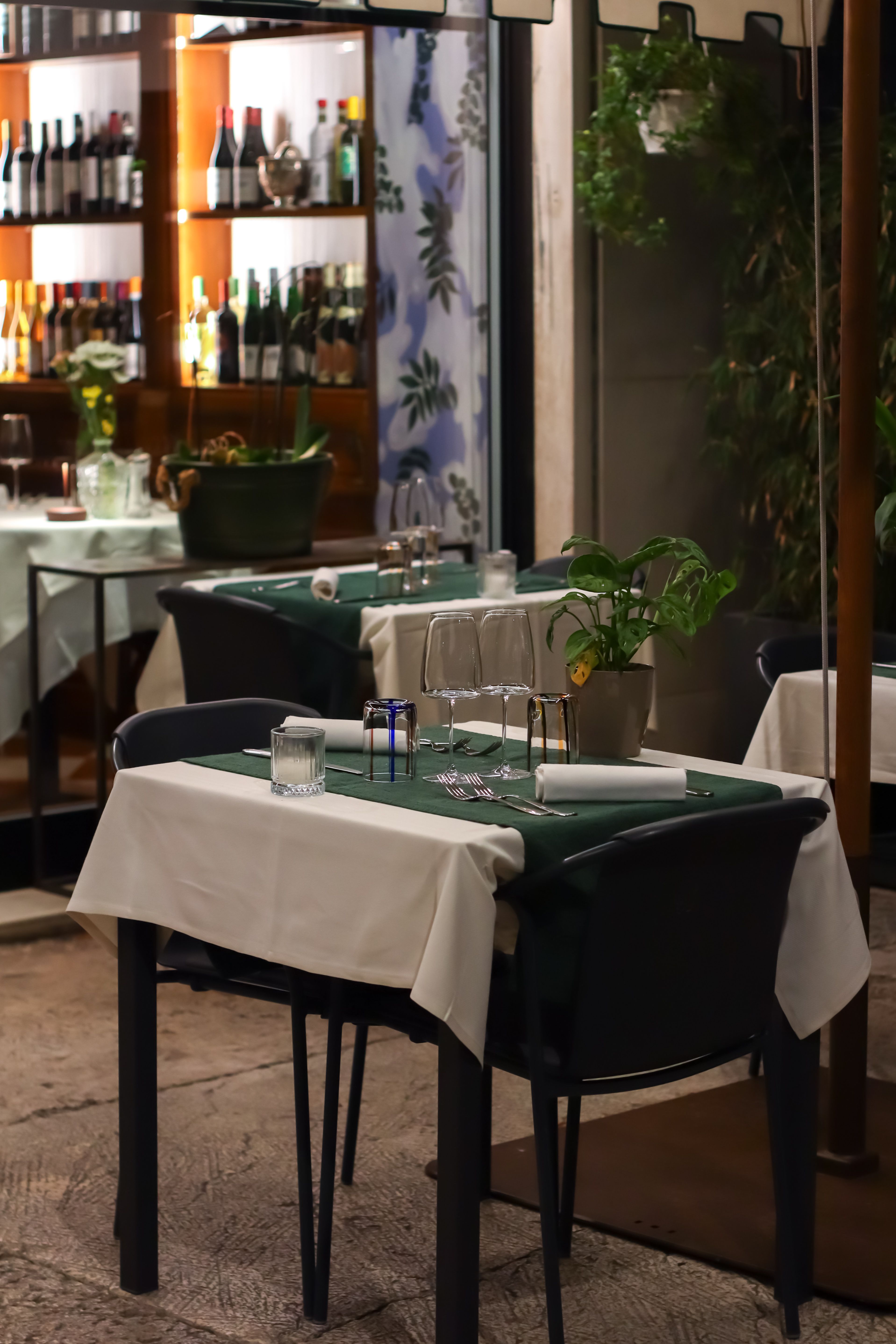
Create a booking in one sentenceRestaurant
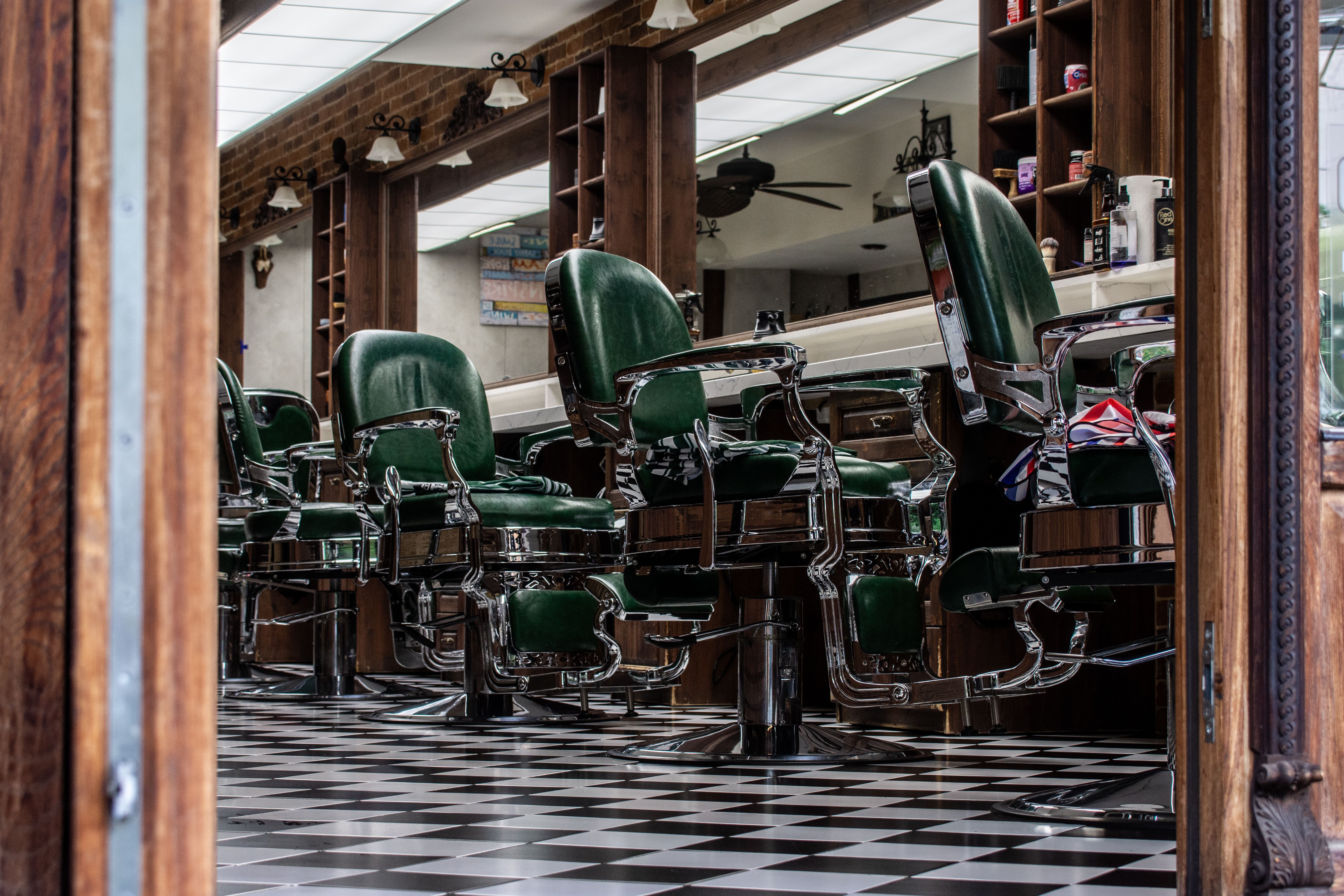
Track every stylist's scheduleHair & beauty salon
Measure how full the shop floor isGarage & bodywork

The essentials of a booking tool.
Who takes bookings, under what conditions, with what guarantee :
each rule is set once and then applies itself, no need to think about it again.
Bookings per staff member (service)
One calendar per staff member, chair or booth for service businesses.
Bookings per table (restaurants)
Each table booked, with its floor plan and terrace.
Email & SMS confirmations and reminders
Confirmation and reminder sent automatically, by email and SMS.
Deposit and guarantee management
A deposit requested to secure the booking.
Card holds and no-show protection
A card hold to limit no-shows.
Minimum notice before booking or cancelling
A minimum notice to book or cancel, set by you.
Slot and interval management
Capacity per slot, duration per service: never more than you can honor.
Automatic or manual approval
Each booking accepted automatically or approved by you.
Your business, from above.
Fill rate, no-shows, regulars, slots still left to sell : ask Gillia and decide with the full picture in front of you.
Available slots
14| Slot | Spots left | Fill rate |
|---|---|---|
| Saturday morning | 6 spots | 82 % |
| Saturday afternoon | 4 spots | 92 % |
| Sunday morning | 4 spots | 68 % |
3 slots to watch, ranked from fullest to emptiest.
No-show rate with SMS reminder
3.2%−41 % vs. no reminder
The closer the reminder is to the slot, the higher the show-up rate.
Sunday morning follow-up
Scheduled| Channel | Target | Send time |
|---|---|---|
| SMS | 84 regulars | Tomorrow 10am |
| 84 regulars | Tomorrow 10am |
4 slots still open Sunday morning, offered to your regulars first.
Saturday · occupancy
85% full| Time | Stations in use | Filled |
|---|---|---|
| 10:00 | 4 / 5 | 80 % |
| 2:00 pm | 5 / 5 | 100 % |
| 5:00 pm | 2 / 5 | 40 % |
Each station (table, chair, booth) is counted, so you never go over your capacity.
Group confirmations
5| Customer | Party size | Status |
|---|---|---|
| Mrs. Aziz | 8 | Confirmed |
| Mr. Costa | 6 | Pending |
Gillia follows up the day before with groups that haven't confirmed.
Booking source
68 % onlineMostly online bookings, available day and night.
Fill rate · 7 days
88 % averageSunday morning remains the slot to fill better.
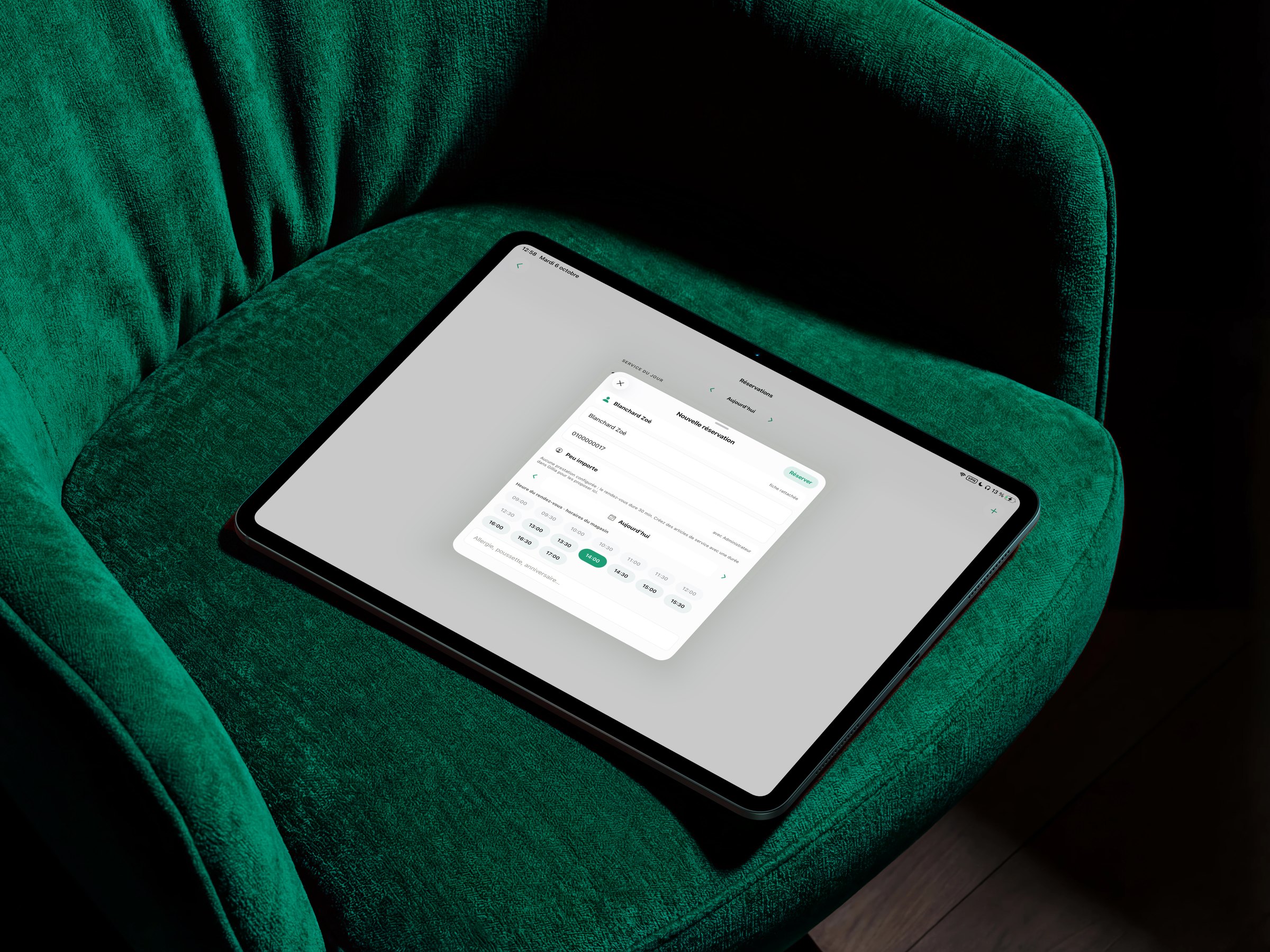
Every booking is tied to your business.
When a customer books, Gillia creates or updates their customer record. The SMS reminder, the waitlist and their history all rely on that same record, with no re-entering data between your tools.
- Schedule updated in real time
- Shared customer record
- Automatic reminders and confirmations
- Connected waitlist
- Bookings analyzed with your sales
See how Gillia does it: create a booking, confirm or decline a request or mark a no-show.
See usage examplesYour rules, your calendar, your pace.
Three steps to open your bookings.
- 1Define your servicesHours, capacity, durations and closing days.
- 2Set up your receptionTables, stations, zones, confirmations and customer reminders.
- 3Open your bookingsOn your website, your online store and your visible channels.

Fewer surprises. More peace of mind.
Your customers get an instant answer and your team stays in control of capacity, stations and booking rules.
Frequently asked questions
Online booking is one of the capabilities available on every Gillia plan. See the Pricing page for the full breakdown of what's included in each plan.
From your website or your online store, your customers pick their slot in three clicks, 24/7 — even when you're closed, busy, or mid-service.
Instant confirmation at booking, an SMS reminder the day before or morning of, and a confirmation request for groups or long bookings : forgotten appointments stop costing you missed revenue.
Yes. You don't have to migrate: Gillia connects to your accounting (Pennylane, Sage, QuickBooks, Xero…) and your AI assistant, and offers an integration API. Connectors for other existing tools (POS, online store, payment) are coming: they are available at Chift, but not plugged into Gillia yet.
Capacity per slot, duration per service, opening days and hours : the schedule organizes itself around your rules, never accepting more than you can actually deliver.
The customer can join a waitlist. As soon as a slot frees up or a booking is cancelled, Gillia offers it to waiting customers, starting with your regulars.
Yes : online booking is one of Gillia's capabilities. Gillia also handles your inventory management, your online store, and your customer loyalty — with the same data, in the same place.
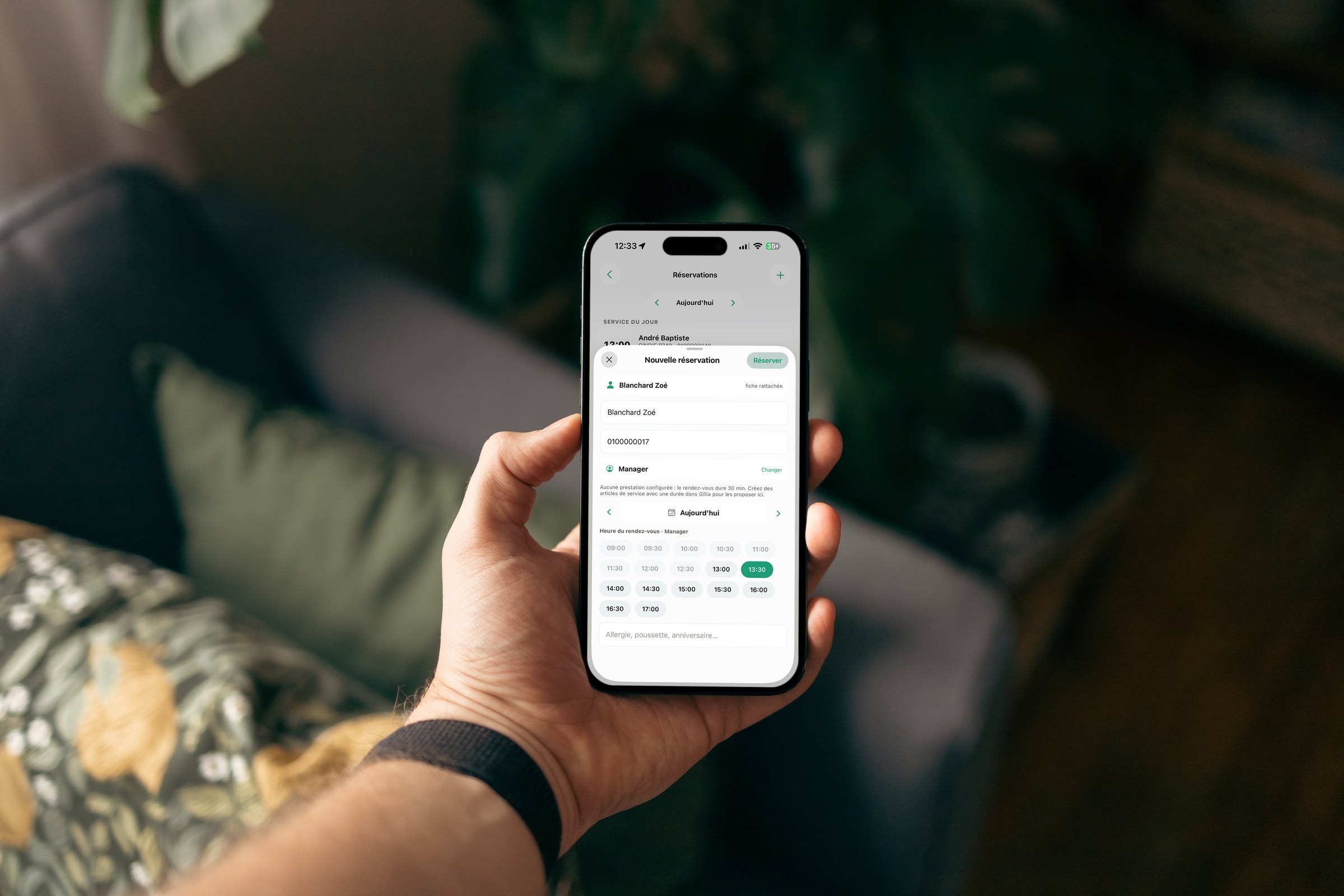
Yes. A sentence like "book a table Monday at 12:30pm for John Smith" or "move Mrs. Petit's booking to 8pm" is enough : Gillia updates the calendar immediately.
Three steps : you define your slots (hours, capacity, durations, closed days), you configure your front-of-house rules (confirmations, reminders, groups), then you open bookings on your website, your store, and your other visible channels.