
Your POS, online and in your pocket
A complete POS system for tablet, smartphone or PC. You ring up sales, and each one syncs to Gillia, which keeps track of your stock, your customers and your store.
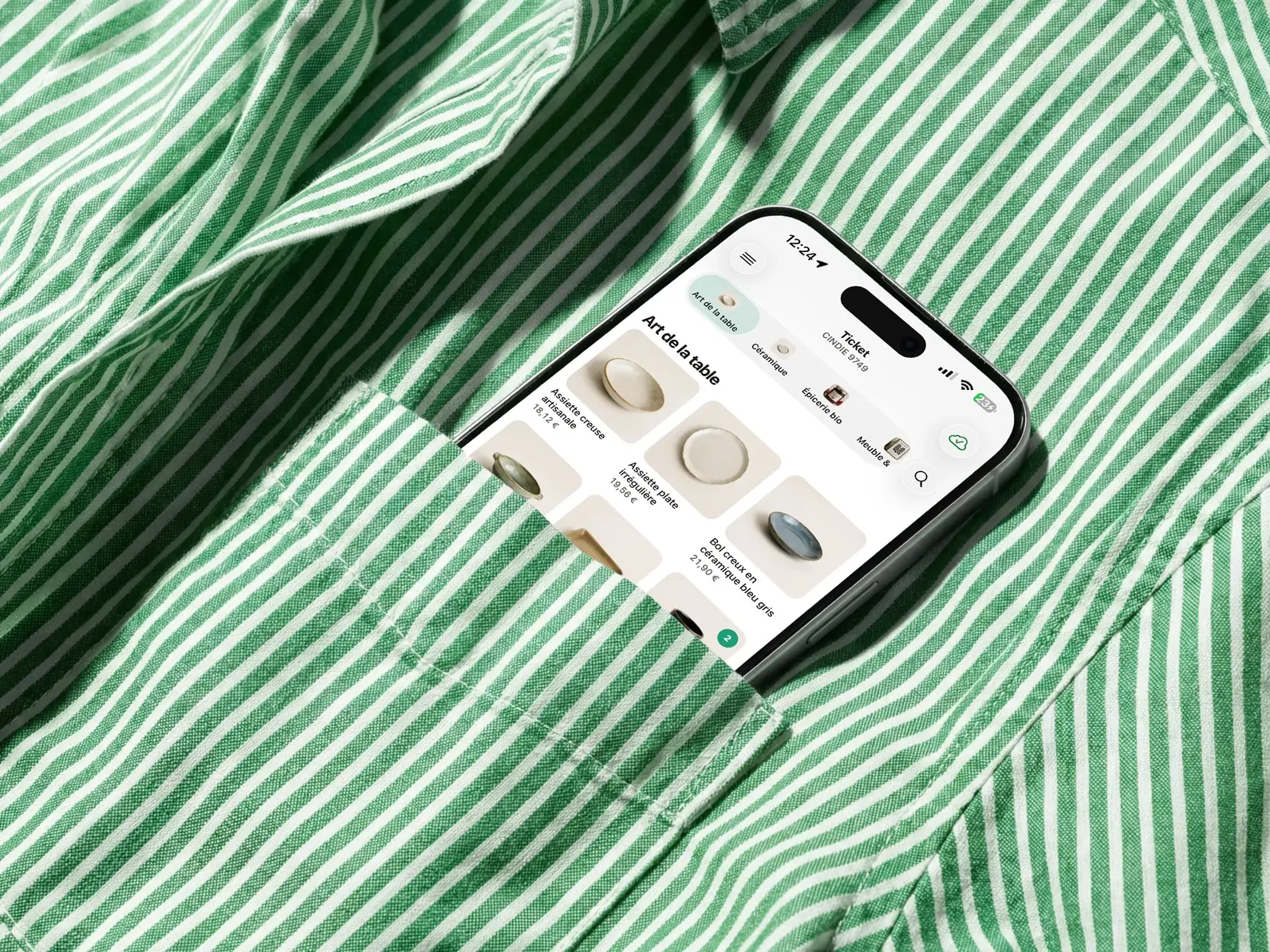
Everything you need to ring up sales every day
The Gillia POS app brings together order taking, payments, customer profiles and the end-of-day close.
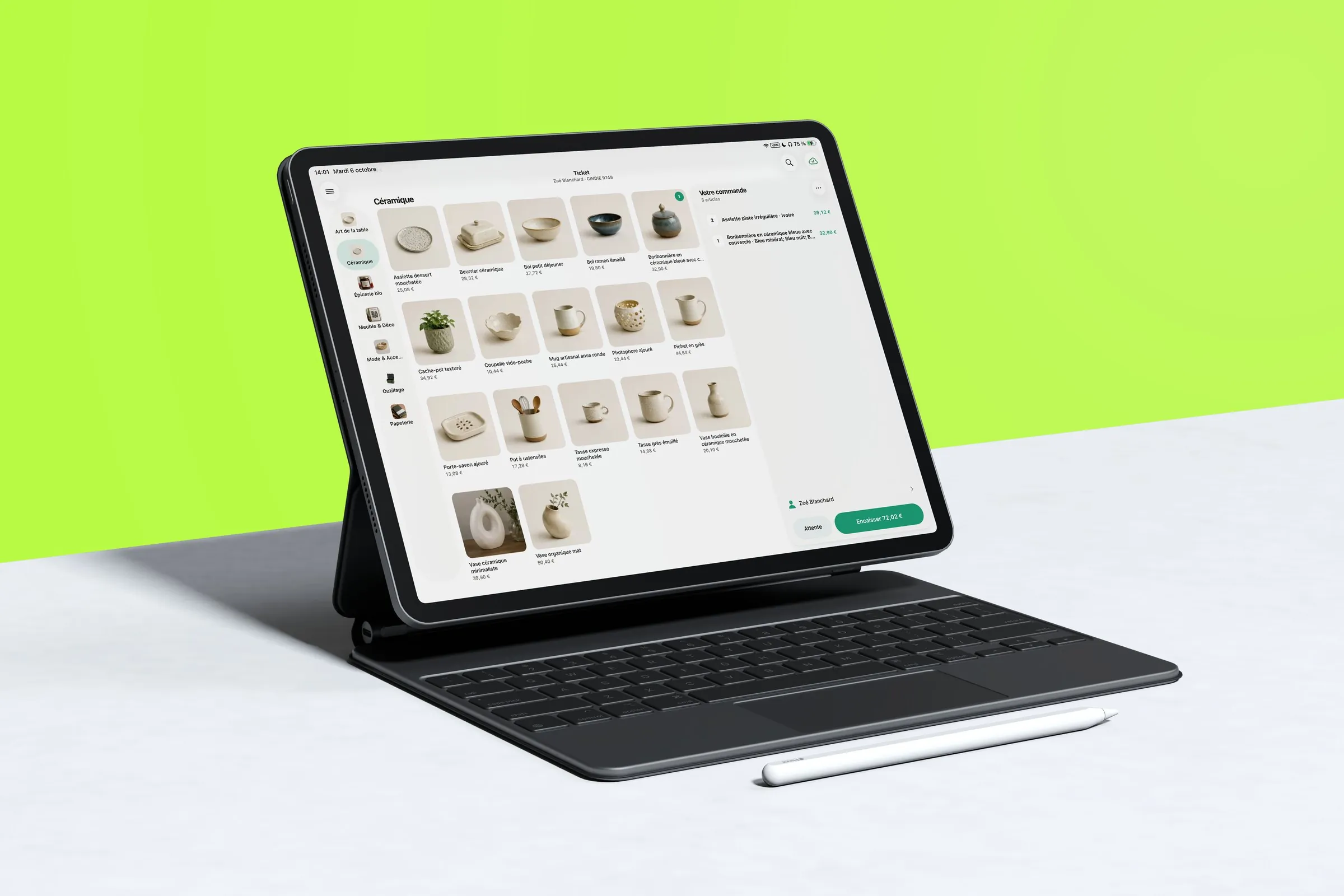
Connect your hardware
- Receipt printer
- Prep printers
- Cash recycler
- Payment terminal
- Cash drawer
- Kiosk mode
Your POS and the Gillia AI agent, always in sync
Every sale you ring up syncs to Gillia, your AI assistant. It knows your numbers, your receipts and the state of your register: just ask, and it answers.
Your numbers, on demand
Today's revenue by payment method or item category, your average basket size: just ask, and Gillia answers with a chart.
Find any receipt
Date, amount, items, payment methods: Gillia finds the receipt so you don't have to dig through the register.
An end-of-day close with no surprises
Before the Z report, Gillia reviews the session's sales and payments, one payment method at a time.

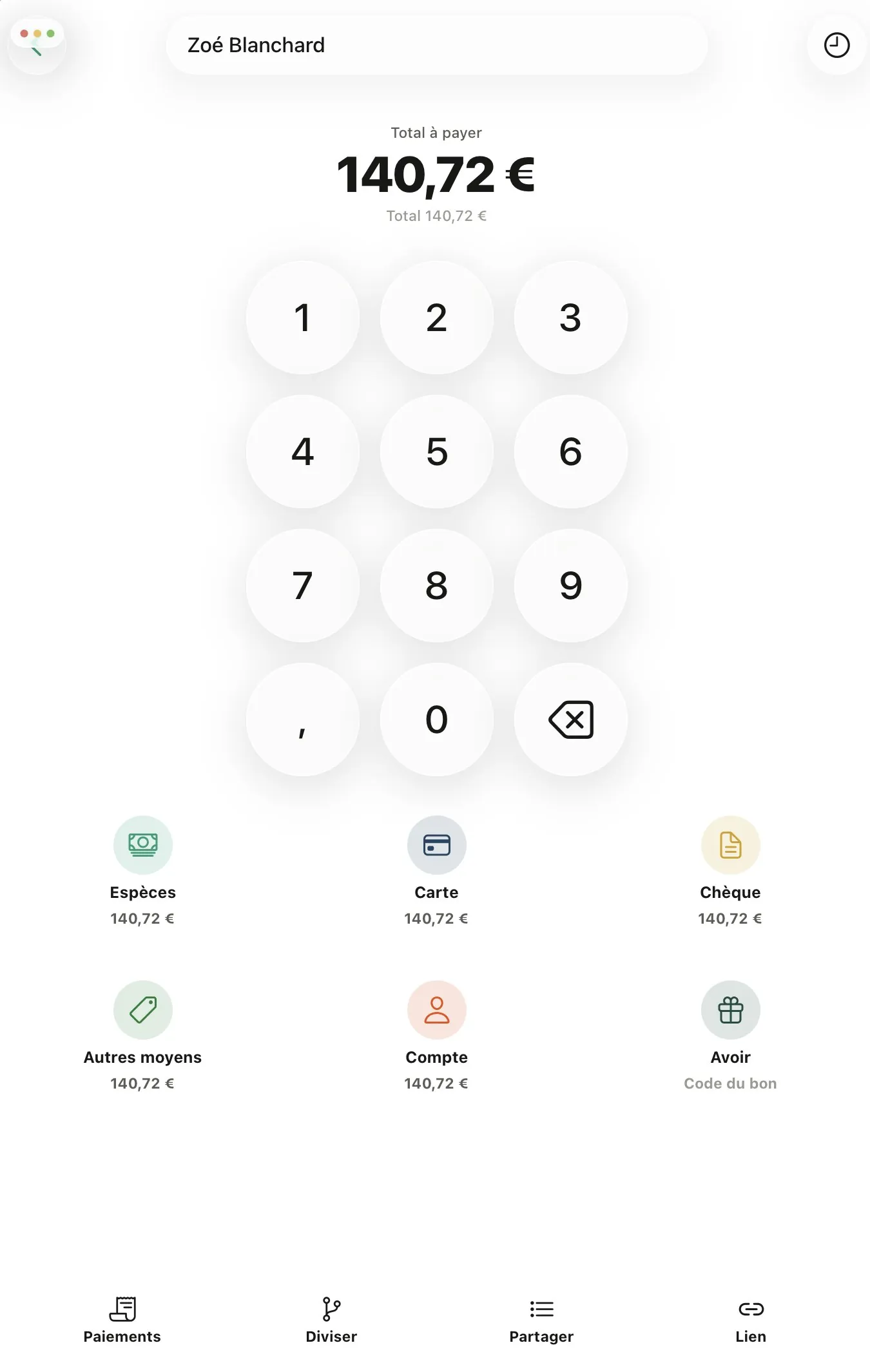
One sale, and everything updates.
Every sale syncs to Gillia: stock levels adjust, loyalty points are credited, and your online store draws on the same inventory. You just ring up the sale. Everything else follows.
- Stock in sync
- Loyalty points credited automatically
- Online store up to date
- End-of-day close without spreadsheets
- Online orders received at the register
- Revenue and receipts up to date
- Full details for every receipt
- Sales by location
Try the Gillia POS14-day free trial, no credit card required, no commitment.
Try free for 14 daysSchedule a task, and Gillia takes care of it for you
Reports, checks, alerts: describe a repetitive task in one sentence. Gillia automates it, runs it at the time you choose and reports back by email, in Gillia or both.
Cash discrepancy alert
Continuously, by email
Last run: Oct 7 at 2:32 p.m. · no discrepancy
End-of-day summary
Every day at 8 p.m., by email
| Payment method | Amount |
|---|---|
| Cash | €308 |
| Card | €796 |
| Meal vouchers | €141 |
Last run: Oct 7 at 8 p.m. · summary sent, no discrepancy
Sales anomalies
Continuously, in Gillia
Last run: Oct 8 at 11:15 a.m. · no anomaly
Morning briefing
Every day at 8 a.m., by email and in Gillia
Last run: Oct 8 at 8 a.m. · 3 actions suggested
Falling margins
Continuously, by email
Last run: Oct 8 at 10:05 a.m. · 1 alert sent
Monthly performance summary
Every month, by email
Last run: Oct 1 at 9 a.m. · report sent
Your sales, tracked in real time.
Revenue, average basket, best sellers: pin the indicators you check every day. They stay up to date on your dashboard, and you can filter them by location, seller and time period.
Revenue collected today
€1,284+8% vs. the same day last week
Hourly revenue shows you when your rush hours are.
Sales by item · 7 days
642 salesYour items ranked by quantity sold or by revenue.
Payment methods · today
€1,284Your breakdown by payment method, without going through every receipt.
Frequently asked questions
The questions business owners ask most often about the Gillia POS.
See how Gillia does it: tracking daily revenue, analyzing average basket size or handling the Z report.
See POS use casesYes. The POS is one of the capabilities available on every Gillia plan. See the Pricing page for what each plan includes.
Independent businesses and small chains: restaurants, retail stores, artisans and service businesses.
You can use a tablet or smartphone with the Gillia POS app, or a PC through your web browser. You can also connect your equipment: receipt printer, prep printers, cash recycler and payment terminal.
The POS keeps working. You only need an internet connection to sync your sales with Gillia: pending sales are sent as soon as you're back online.
Yes. You don't have to switch: Gillia connects to your accounting software (Pennylane, Sage, QuickBooks, Xero…) and your AI assistant, and offers an integration API. Connectors for existing POS software are on the way: they're available through Chift but not yet connected to Gillia.
Each item has its own VAT rate. Gillia automatically calculates the amounts and breaks them down by rate on the receipt, with no manual math on your part.
At the end of service, you open the register close in the app: it summarizes sales and payments by payment method, you enter the amounts you counted, then you confirm the Z report. It then shows up in your back office, where you can ask Gillia to spot any discrepancy.
Yes, for items with stock tracking: each sale deducts the item from stock or, for an item made from components, the raw materials it's made of. The customer's loyalty points are credited, and the online store uses the same stock.
Yes. A single account can manage multiple locations: switch between them from a location selector and view each location's sales separately.
No. Before it creates, edits or deletes anything, Gillia shows you a confirmation card: nothing changes until you approve it.
Yes. The POS is one of Gillia's capabilities. Gillia also handles your inventory management, your online store, your bookings, your customer loyalty and your quotes and invoices, all with the same data, in one place.