
Your calendar fills itself, without interrupting you
Your customers book 24/7 from your website, confirmations and reminders go out automatically, and you run your schedule by talking to Gillia, without dropping what you're doing.

One sentence, and your schedule runs itself
No software to learn: just talk to Gillia the way you normally would, and your calendar keeps up, whatever your line of business.
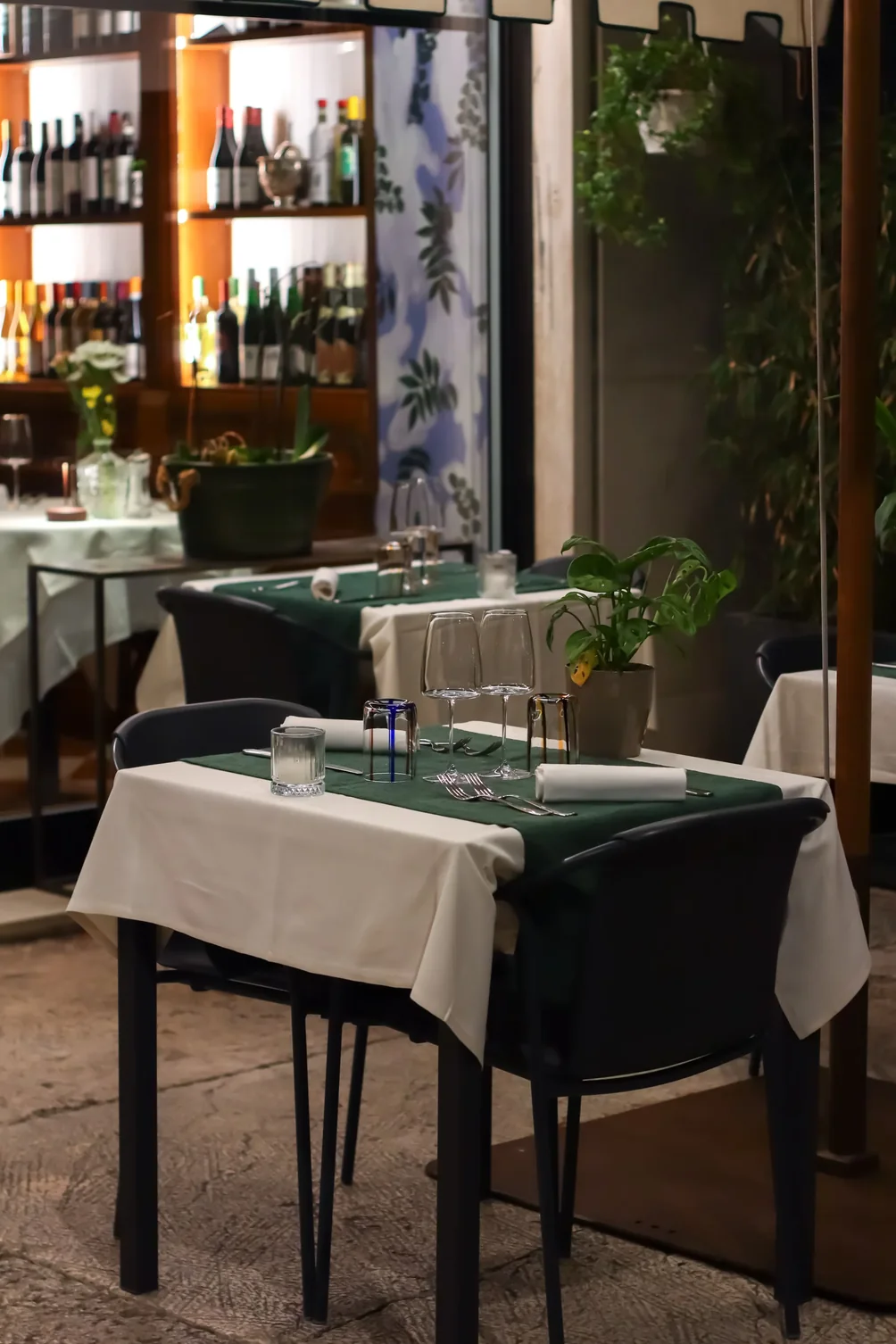
Create a booking in one sentenceRestaurant
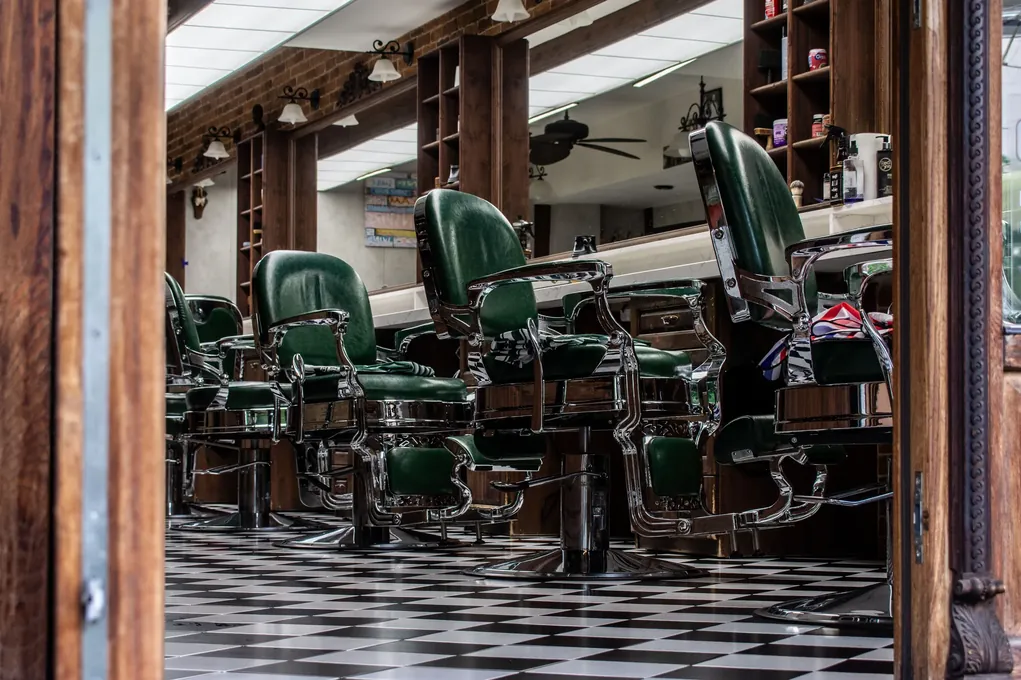
Track every stylist's scheduleHair & beauty salon
Measure your shop’s fill rateGarage & bodywork

The essentials of a booking tool.
Who you welcome, on what terms, with what guarantee:
set each rule once and it applies automatically, so you never have to think about it again.
Bookings by staff member (services)
One calendar per staff member, chair or treatment room for service businesses.
Bookings by table (restaurants)
Each table booked on your floor plan, patio included.
Email & SMS confirmations and reminders
Confirmation and reminder sent automatically, by email and SMS.
Deposits and guarantees
Request a deposit to secure the booking.
Card holds and no-show protection
A card hold to limit no-shows.
Minimum notice for booking or canceling
A minimum notice period for booking or canceling, set by you.
Time slots and intervals
Capacity per slot, duration per service: never more than you can handle.
Automatic or manual approval
Accept each booking automatically or approve it yourself.
Your bookings, managed on autopilot.
Automate the repetitive tasks around your bookings: Gillia runs them every day at the time you choose and sends you a report.
Unconfirmed bookings
Every day at 6 p.m., by email
| Time | Name | Covers |
|---|---|---|
| 12:30 p.m. | Martin | 4 |
| 8:00 p.m. | Haddad | 2 |
| 8:30 p.m. | Costa | 6 |
Last run: Oct 7 at 6:00 p.m. · 3 bookings to confirm
Weekly bookings recap
Every Monday at 9 a.m., by email
| Metric | Week |
|---|---|
| Bookings | 142 |
| Covers | 398 |
| No-shows | 4 |
Last run: Oct 6 at 9:00 a.m. · recap sent
Evening rush alert
Every day at 4 p.m., by email and in Gillia
Last run: Oct 7 at 4:00 p.m. · 26 covers tonight
Bookings pending 24+ hours
Every day at 8 a.m., in Gillia
Last run: Oct 8 at 8:00 a.m. · 2 bookings flagged
Weekly no-shows
Every Sunday at 8 p.m., by email
Last run: Oct 5 at 8:00 p.m. · 4 no-shows
Dinner service confirmation
Every day at 11 a.m., in Gillia
Last run: Oct 8 at 11:00 a.m. · reminder sent
A bird’s-eye view of your business.
Fill rate, unsold slots, booking sources: pin these indicators and run every service with the full picture.
Fill rate · 7 days
88% averageSunday morning is still the slot to fill.
Available slots
14| Slot | Spots left | Fill rate |
|---|---|---|
| Saturday morning | 6 spots | 82% |
| Saturday afternoon | 4 spots | 92% |
| Sunday morning | 4 spots | 68% |
3 slots to watch, ranked from fullest to emptiest.
Booking sources
68% onlineMost bookings come in online, day and night.
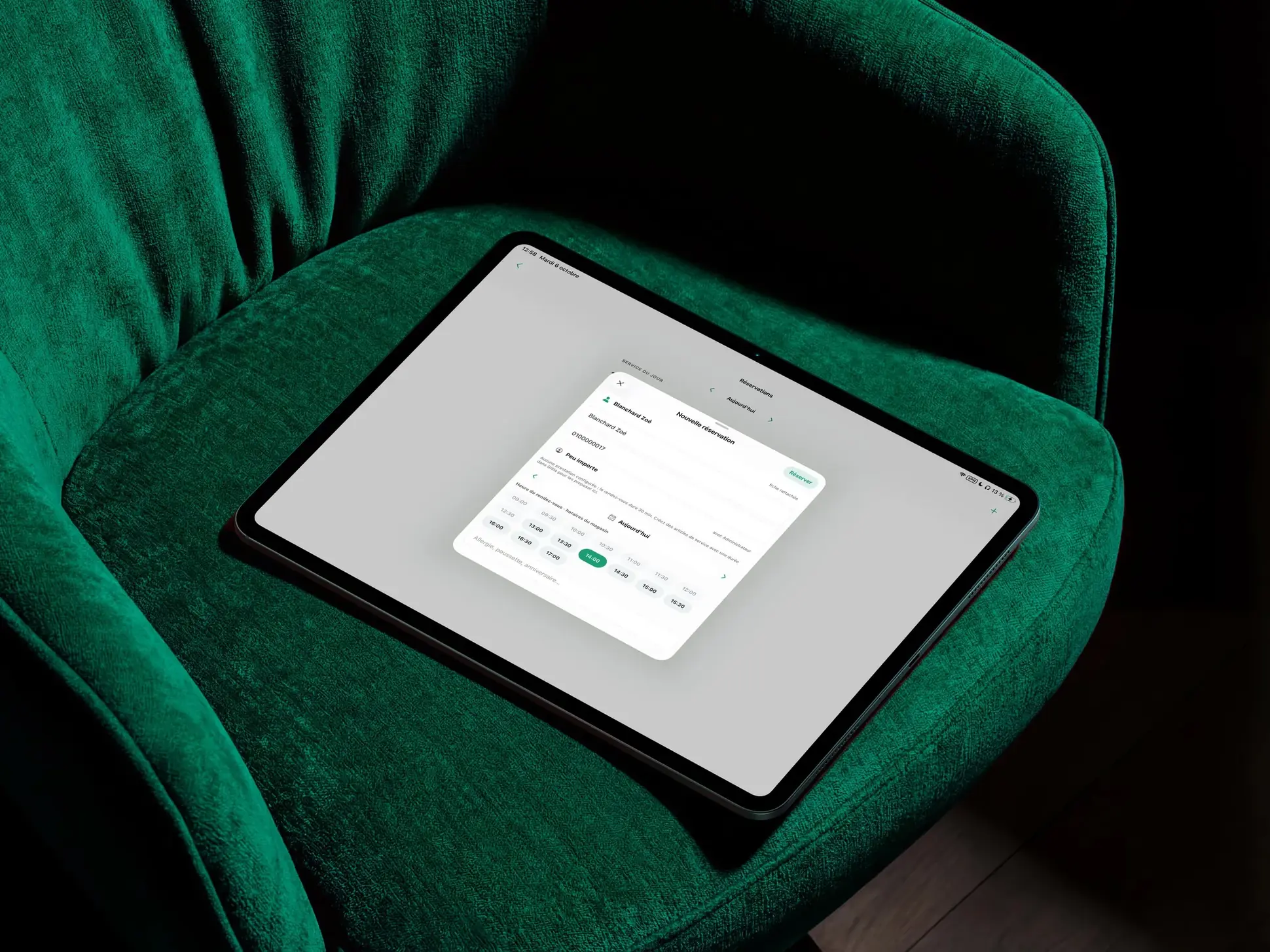
Every booking is connected to your business.
When a customer books, Gillia creates or updates their customer record. SMS reminders, the waitlist and booking history all run off that same record, so you never re-enter data between tools.
- Schedule updated in real time
- Shared customer record
- Automatic reminders and confirmations
- Connected waitlist
- Bookings analyzed with your sales
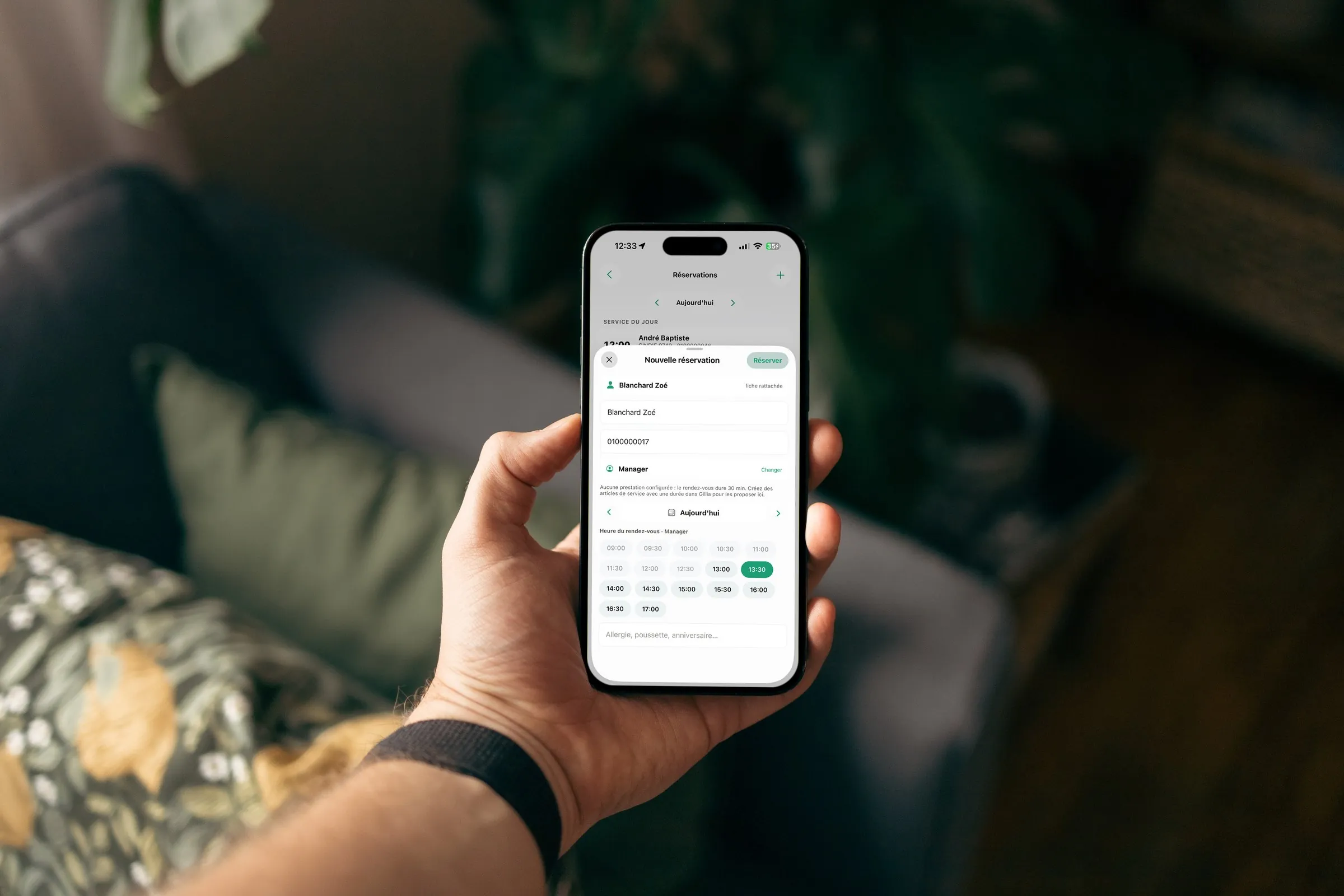
See how Gillia does it: creating a booking, confirming or declining a request and marking a no-show.
See use casesYour rules, your calendar, your pace.
Three steps to start taking bookings.
- 1Define your servicesHours, capacity, durations and closing days.
- 2Set up front of houseTables, stations, zones, confirmations and customer reminders.
- 3Open bookingsOn your website, your online store and your other public-facing channels.

Fewer surprises. More peace of mind.
Your customers get an instant answer and your team stays in control of capacity, stations and booking rules.
Frequently asked questions
Yes. Online booking is one of the capabilities available on every Gillia plan. See the Pricing page for a full breakdown of what each plan includes.
From your website or your online store. Customers pick a time slot in three clicks, 24/7, even when you're closed, busy or in the middle of service.
Gillia sends an instant confirmation at booking, an SMS reminder the day before or the morning of, and a confirmation request for groups or long appointments. Forgotten appointments stop costing you revenue.
Yes. You don't have to migrate: Gillia connects to your accounting software (Pennylane, Sage, QuickBooks, Xero…) and your AI assistant, and offers an integration API. Connectors for other existing tools (POS, online store, payments) are on the way: they're available through Chift but not yet connected to Gillia.
You set capacity per slot, duration per service, and opening days and hours. The schedule organizes itself around your rules and never accepts more than you can actually handle.
The customer can join a waitlist. As soon as a slot opens up or a booking is canceled, Gillia offers it to customers on the waitlist, starting with your regulars.
Yes. Online booking is one of Gillia's capabilities. Gillia also handles your POS, your inventory management, your online store, your customer loyalty, and your quotes and invoices, all with the same data, in one place.
Yes. A sentence like “book a table Monday at 12:30 p.m. for John Smith” or “move Mrs. Petit's booking to 8 p.m.” is all it takes: Gillia updates the calendar immediately.
In three steps: define your slots (hours, capacity, durations, closing days), configure your front-of-house rules (confirmations, reminders, groups), then open bookings on your website, your online store and your other public-facing channels.